Have you fallen into the map trap? Fantasy maps are often the first thing storytellers focus on when worldbuilding for a novel or RPG campaign. But they can also be a common place to get stuck. Who hasn’t pored over a gorgeous fantasy map in the front matter of a novel or a D&D sourcebook, and wanted something similar for their own setting?
Unfortunately, you can spend weeks noodling over a map without moving on to drafting your first chapter, or outlining your first session.
There are two problems here. First, knowing when you actually need a map. And second, knowing which tool you need. This guide covers both: a framework for map-making decisions, a clear breakdown of the most popular fantasy map makers and practical tips for making maps that are useful (not just pretty).
Do You Actually Need a Map?
We made a whole video on this! Because many storytellers start worldbuilding with a map; and that can be a big mistake. At the very least, trying to nail down the geography of your entire world, as opposed to the starting location for your heroes' adventures, can create a ton of problems. It locks you into major decisions too early that can be hard to change later.
So when is a map essential?
For gamemasters, when you're running a hex crawl, or exploration-focused campaign, your player will need the visual to track their progress. But that map can be filled in progressively, as your party "unlocks" more of it. If you're planning to publish a setting, or even an adventure module, a map is often the first thing people want to see for a literal "birds eye view" of the product. For fantasy novelists, if cross-country travel or geography shapes the plot, a map (even a rough one) is the best way to quickly visualize and make a reference of it. Finally, if multiple creators are contributing to the same world, such as co-DMs, co-authors, or a player-facing wiki, a map can serve as a canonical geographical reference.
When a map can wait
If your party hasn't even left the starting village yet, you don't need a full world map. You need a town map, a dungeon map, or maybe a very loose region map. If you're writing character-driven fantasy that sticks close to one location, a map might not be necessary. Jane Austen didn't need a map of Regency England; your fantasy-of-manners probably doesn't need one, either.
Also, if you're drawing mountains instead of writing chapter or session outlines... you might be procrastinating via cartography. Ask yourself if the map is supporting the story, or delaying it.
The real purpose of a map
A good fantasy map isn't just decoration. It's a worldbuilding tool that reveals inconsistencies (your trade city has no river access), generates story (what lives in that unexplored region?), and communicates your world to readers faster than any description. When it's doing that work, it's essential. When it isn't, it can wait.
What Makes a Good Fantasy Map?
A visually beautiful map and a functionally useful map are not necessarily the same thing. The best fantasy maps are both, but if you have to choose, function wins every time. So what are the elements of a good, functional fantasy map? It can be helpful to think about that in layers.
Geographic logic
Geography, even in a magical world, is subject to the laws of physics. Or at least, real-world physics should be the starting point (before you start worldbuilding floating cities). You don't need an advanced degree in Earth Sciences, but you should be familiar with the basics. Mountains create rain shadows that often create deserts on their leeward side. Rivers flow downhill to the sea; they don't fork like a road, they converge. Look at some real world maps and you'll see the pattern.
Cities and towns don't appear at random, think through the reasons people choose to settle there: a river confluence, natural harbor, a protected valley, or rich natural resources like forests or fertile plains. Even an inhospitable mountainside might have mining villages, and a desert might have oasis towns where trade routes cross or at natural rest points.
Function and purpose
Scale your maps based on function: a world map, region map, city map, and dungeon or battle map. Each one demands a different level of detail, and serves a different narrative or gameplay purpose. Match your maps' scope to your story or campaign's scope.
Also, if you're a DM, your map contains information players shouldn't have. Their map is for creating curiosity and exploration, dotted with unreliable clues and hints. It's meant for them to correct and fill in as they go. Your is a reference document. It will contain things like secret passages, precise dungeon layouts with trap and treasure locations, and faction territory borders. The things you players will stumble onto - and then figure out how to deal with.
Legibility over beauty
The compass rose, scale bar and legend aren't just pretty ornamentation; they're navigational elements. The map should make it easy for your players or readers to orient themselves quickly. Labels that are too small, ornate, or dense defeat the purpose of having a map. World Anvil's interactive maps feature is a great solution for this! Layers and pins make it possible to add as much or as little detail as you need to the same map, which you can turn on or off at different zoom levels.
Fantasy Map-Making Tools
There's no single best fantasy map-making tool. There's the right tool for your specific needs, skill level, and budget. Fantasy map making software has exploded as the popularity of D&D has grown. A rundown of each software with specific features, price points, pros and cons would be a moving target that constantly needs updating.
So let's talk about the things you should consider when choosing a fantasy map making tool. You can then check out the top software in each category below, and see how each one currently stacks up.
First, what kind of map are you making? Some software is designed to cover everything from world maps down to granular battle maps. Others are more specialized. Do you prefer desktop tools (usually more powerful) or browser-based (often have a free option)? If you're looking for a paid tool, a one-time payment usually means you'll miss out on upgrades and new features that are automatic with a subscription. Free tools are usually ad-supported, or if not, you may be asked for support often.
What level of control do you want? Many fantasy map tools are procedural generators. This means you put in some criteria, and it will automatically generate the base map. Other tools let you draw the map from scratch. You get more control with the latter. So if, for example, you want your continent to be shaped like a dragon... you can do that. But procedural generators are faster, and generally won't create maps that break the rules of geography.
Will you be using the map with a Virtual Table Top (VTT)? What are the compatiblity requirements - file type, file size, etc.? Do you plan to print out the map - if so, at what size?
Once you know what your preferences are, you can spend a little time checking out different tools to see which is the best fit. Here are a few of the most popular options.
World & Region Maps
- Inkarnate - Online builder, free tier available (paid from $7.99/month), for world and regional maps, with a large stamp-based asset library that gets you to a good-looking result fast.
- Azgaar's Fantasy Map Generator - Online generator, completely free, for world maps, producing geographically plausible continents with cultures, trade routes, and climate zones already baked in.
- Wonderdraft - Desktop builder, one-time purchase, for world and regional maps, offering more visual flexibility and customization than Inkarnate at the cost of a steeper learning curve.
City & Town Maps
- Watabou Fantasy City Generator - Online generator, free, for city and town maps, instantly producing medieval street layouts you can customize and export for commercial use.
- Fantasy Town Generator - Online generator, free with paid premium features via Patreon, for town and settlement maps, with options to adjust size, style, and district layout.
- Canvas of Kings - Desktop builder, one-time purchase (~$18.99 on Steam, demo available), for city and town maps, using a minimalist hand-drawn aesthetic with procedurally placed objects and lighting tools.
- City Map Builder - Not software but a brush pack (one-time purchase, $34), for use in Procreate, Photoshop, and similar apps, giving you 300+ hand-illustrated city map assets to build settlement maps in your own drawing tool.
Dungeon & Battle Maps
- DungeonFog - Online builder, free tier available (paid for premium assets and commercial use), for dungeon and battle maps, with a vector-based editor and strong VTT export support including Foundry VTT.
- DungeonScrawl - Online builder, free (Pro tier available via Roll20 subscription), for dungeon and battle maps, producing old-school hand-drawn style maps with no account required and native Roll20 integration.
- DungeonDraft - Desktop builder, one-time purchase, for dungeon and battle maps, with a built-in cave and dungeon generator, smart tiling, and broad VTT export support including Foundry, Roll20, and Fantasy Grounds.
- Dungeon Alchemist - Desktop builder (Steam, paid), for dungeon and battle maps, using AI-assisted room population to automatically furnish and light rooms as you draw them, with 2D, top-down, and 3D view modes.
- Dungeon Map Doodler - Online builder, free, for dungeon and battle maps, offering a simple freehand drawing approach with grid snapping, dynamic terrain brushes, and no sign-up required.
World Anvil's Interactive Map Module
A fundamentally different tool from the others on this list, and worth understanding as such.
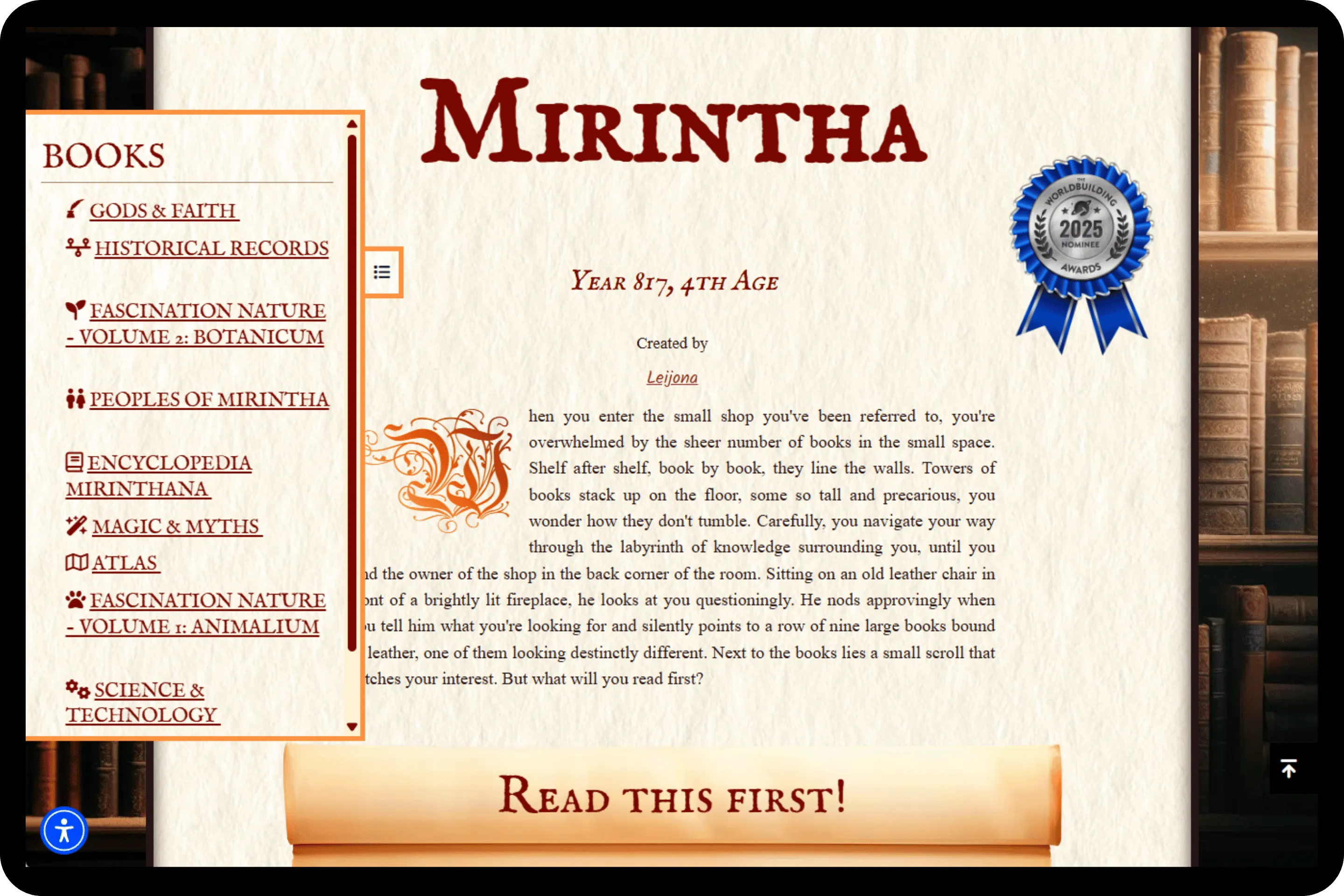
- What it is: Not a map-making tool — a map-hosting and linking platform. You upload a map you've created (in any tool) and attach it to your World Anvil world, then place pins on the map that link directly to your location articles
- Why this matters: An interactive map transforms navigation of your world. Players or readers click a city on the map and arrive at the city's article. Click a dungeon and find the dungeon's history, inhabitants, and connected plot threads. The map stops being a static image and becomes a navigation layer for your entire wiki
- The workflow: Create your map in Inkarnate or Wonderdraft, upload to World Anvil, add pins linked to your articles. Your map and your lore are now the same document.
- Best for: Any worldbuilder who has both a map and a body of lore — which is to say, almost every serious campaign builder or setting author. The interactive layer is what makes a map a worldbuilding tool rather than a worldbuilding decoration
Practical Tips for Better Fantasy Maps
Start with geography, not borders
Draw your terrain first: mountain ranges, rivers, coastlines, forests. Then add civilizations on top of it. Borders and cities grow from geography, not the other way around. This is the single change that makes amateur fantasy maps look more plausible.
Use reference maps
Real-world geography is the best reference library you have. Study how rivers actually behave, how mountain ranges create climate zones, how coastlines erode. Steal shamelessly from actual topography. Your readers won't recognize it, and your map will be geographically coherent.
Match your map style to your world's tone
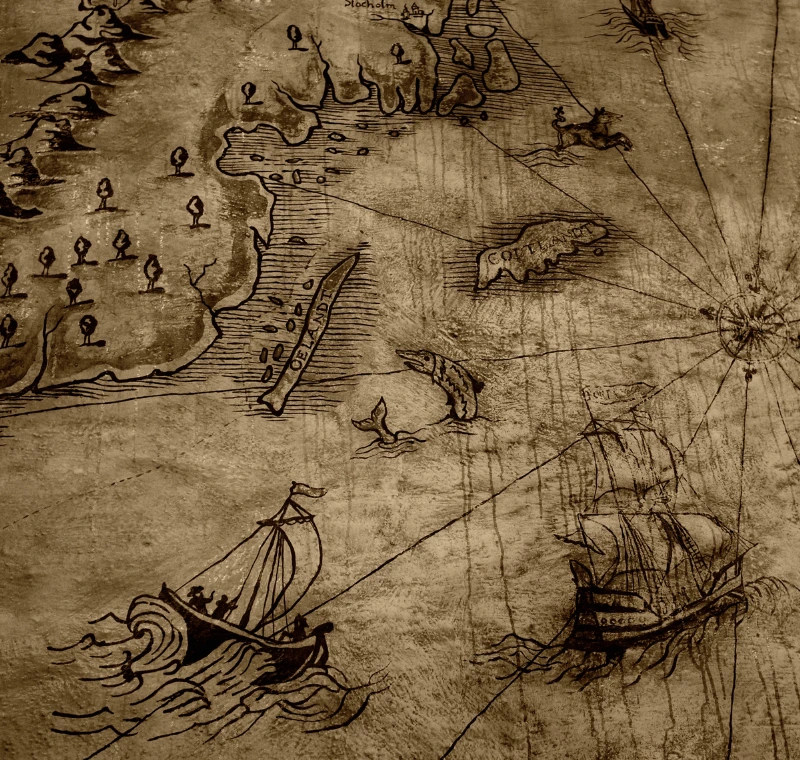
A dark, grimdark campaign benefits from a weathered, aged map aesthetic: parchment texture, sparse labels, ragged coastlines. A high fantasy adventure suits bright colors, detailed terrain, and ornate labels. An intrigue-heavy political campaign might want something closer to a real-world political map: clean lines, clear borders, minimal terrain decoration. Your map's visual style is part of your world's tone.
Layer your reveals
Don't put everything on the player-facing map. Unexplored regions, blank areas, question marks on the edges of the known world: these aren't incomplete cartography. They're adventure hooks. Every blank space is an implicit question your players can choose to answer.
Keep a master version
Maintain a master map with everything on it: your DM-only locations, faction territories, plot-relevant geography, dungeon entrances your players haven't found. Export a player-facing version from that master rather than maintaining two separate files. When the world changes, you update one map.
Putting It All Together: A Recommended Workflow
For a DM building a homebrew campaign or a writer building a fiction setting, here's the workflow that gets you from no map to a functional, lore-integrated cartography system without wasted effort.
- Establish your scope first. What level of map do you actually need right now? A world map, a regional map, a city, a dungeon? Start at the level your story or campaign needs in the next four sessions, not the level you'll eventually want.
- Generate your geography if you want a plausible foundation, or sketch it by hand if you know what you want. Get the terrain logic right before you worry about presentation.
- Build your presentation map depending on your skill level, timeline, and whether visual distinctiveness matters for your project.
- Upload your map to World Anvil and start placing pins linked to your location articles. Even with five pins, the interactive layer immediately changes how you navigate your own world.
- Expand your map as your world grows. Add regions as the party or story reaches them. Add pins as you write location articles. Let the map and the lore grow together rather than trying to build both completely before you start.
The map isn't finished when the campaign ends. It's finished when the world is.
Wrapping up the Mapping
The map is often the first thing worldbuilders reach for, and one of the first places they get stuck. But a fantasy map isn't the destination — it's a tool that makes the real work of worldbuilding faster, more consistent, and more communicable to the people exploring your world. Make the map your world actually needs right now, in the tool that fits your skill level and your timeline, and connect it to your lore so it's doing real work rather than sitting pretty in a folder. World Anvil's interactive map module turns any map you've already made into a navigable layer for your entire world — so your coastlines and your campaign notes finally live in the same place. Start your free world here.
Now grab your hammer, and go worldbuild.

Learn worldbuilding methods & storytelling techniques from World Anvil experts to level-up your next novel, original D&D campaign setting or other creative projects.
.png)
Popular articles

Become a World
Anvil member
.webp)